How to Install Telega in Emacs on Android
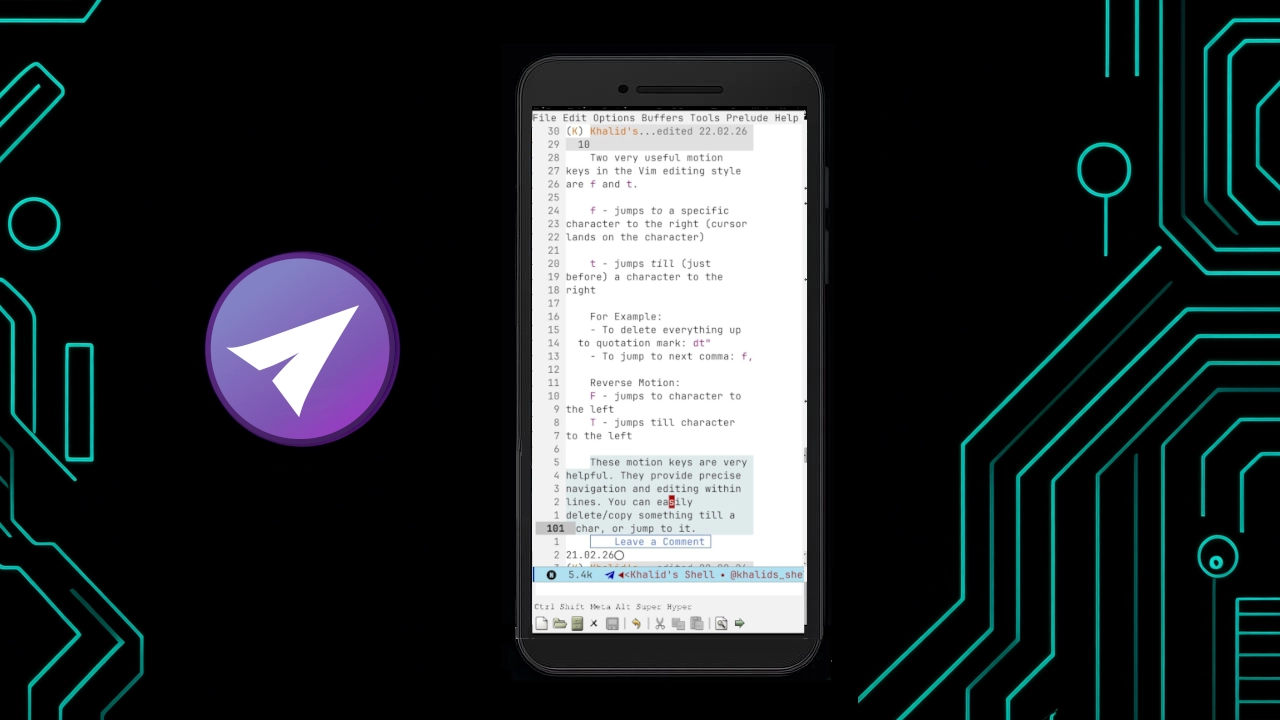
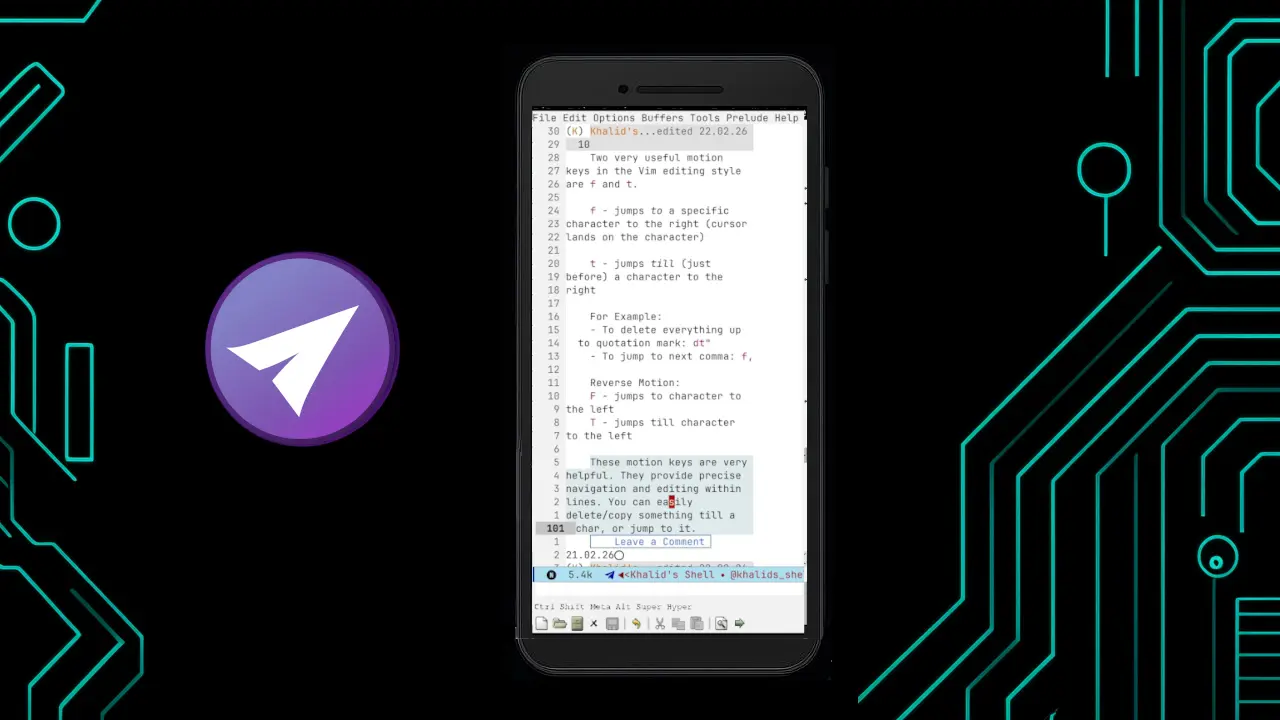
Emacs users love to do everything inside their favourite editor. It helps them enjoy the same familiar workflow they carefully customized. Telega is an important Emacs package to achieve that. It lets us Telegram users use it more efficiently inside Emacs. Telega supports many features of the official Telegram client. But, you can’t make calls. Now that we can install Emacs on Android, using Telega in it can be very desirable to Emacs-for-everything folks. In this tutorial, I’ll guide you through doing that. Note that you must have Emacs installed on your Android with Termux support.
Install Dependencies
Install the necessary dependencies on Termux:
pkg install make pkg-configInstall TDLib
TDLib is the library for developing Telegram clients. You have two options for installing TDLib:
- Install it directly from Termux repo
- Build it from source
Option 1 is easier. Simply run the following command in Termux:
pkg install libtdOne issue in this option is that the TDLib version in Termux is older. So, you need to install a specific commit of Telega which supports that version. Alternatively, you can build TDLib from source to get the latest version. But, you will need a powerful enough PC for that. Use TDLib build instructions generator for instructions.
After installing TDLib, you will need its location. You will need to provide the TDLib prefix path to telega-server-libs-prefix variable. TELEGA-SERVER-LIBS-PREFIX/include is used to find TDLib headers files. TELEGA-SERVER-LIBS-PREFIX/lib is used for library files. Termux installs TDLib binaries under $PREFIX/. $PREFIX is the environment variable in Termux that refers to the directory where Termux stores its packages and files. Usually, it’s /data/data/com.termux/files/usr. If you built from source, then use the path where you copied the compiled TDLib.
Install Telega
Now, you’re ready to install Telega. If you installed TDLib from Termux, you will have to install the version of Telega that supports your version of TDLib. For that, you need to look at the commit history of Telega Git repository. Don’t worry! I have done that already for you. If you have installed the latest Termux package for TDLib which is libtd 1.8.50-1 (check with pkg search libtd), the commit hash is "ff06f58364375c96477561f265e3dbf55a8ad231". You can use the following configuration:
(use-package telega :vc (:url https://github.com/zevlg/telega.el :rev "ff06f58364375c96477561f265e3dbf55a8ad231") :config (setq telega-server-libs-prefix "/data/data/com.termux/files/usr") )When you evaluate the above with eval-buffer or eval-region, Telega will be installed. On first run, it will ask you to login. To learn more about using Telega, read its manual. For the commit we installed, the manual would be https://github.com/zevlg/telega.el/blob/ff06f58364375c96477561f265e3dbf55a8ad231/docs/index.html
Thanks for reading. If you face any problem, ask in the comments. If you like this tutorial, please share with your friends.
← Back to articles
How was the article?